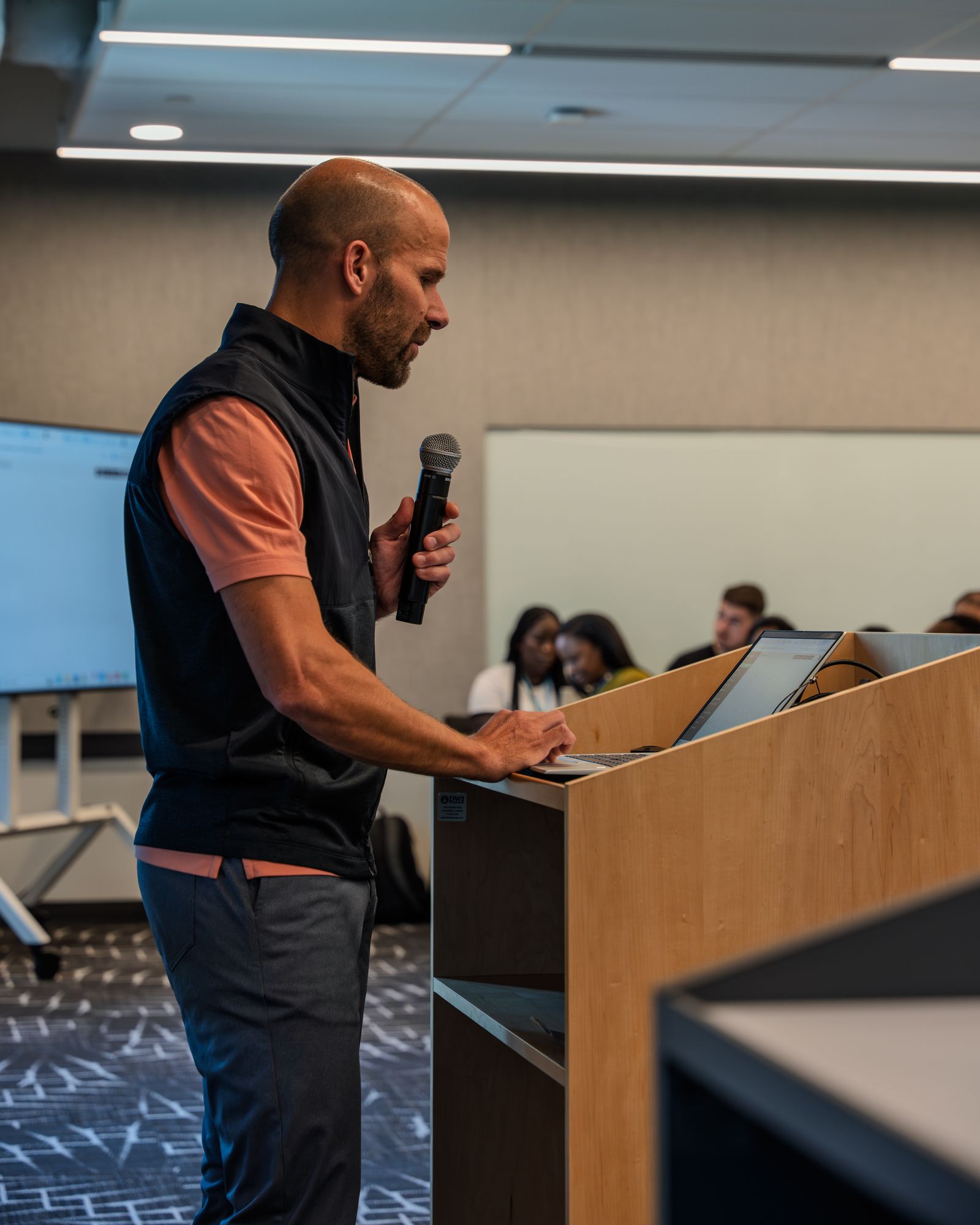
Hook9:16
Katto finds moments in your video, prepares them in vertical, and adds captions. You watch, adjust, then export.
Before you start, see what the result can look like.
Paste a YouTube link to get started. You keep the last word on every clip before exporting.
SOURCE · 16:9Scanning for momentsThis is an illustrative mockup built with a stock image. It shows the visual journey, not a measured Katto run.
An interesting moment in the source is not always a good clip. Check the start, the framing and the ending before you publish.

Add a YouTube link or a file. Katto analyzes the source to propose moments worth extracting.

Check that each moment stands on its own. Adjust the cuts, the framing and the captions in the editor.

Export the clips you kept for Shorts, Reels or TikTok. You don't have to keep every proposal.
Katto shows each moment with its transcript and four criteria: Hook, Flow, Value and Trend. You can compare the proposals before opening the editor.
 16:9 · source9:16
Compare the horizontal source to its vertical and square outputs. Every format stays visible before you decide to use it.
A video can start on a countertop, a mat, or in the middle of a forest. Each card shows a new source and its vertical reframe.

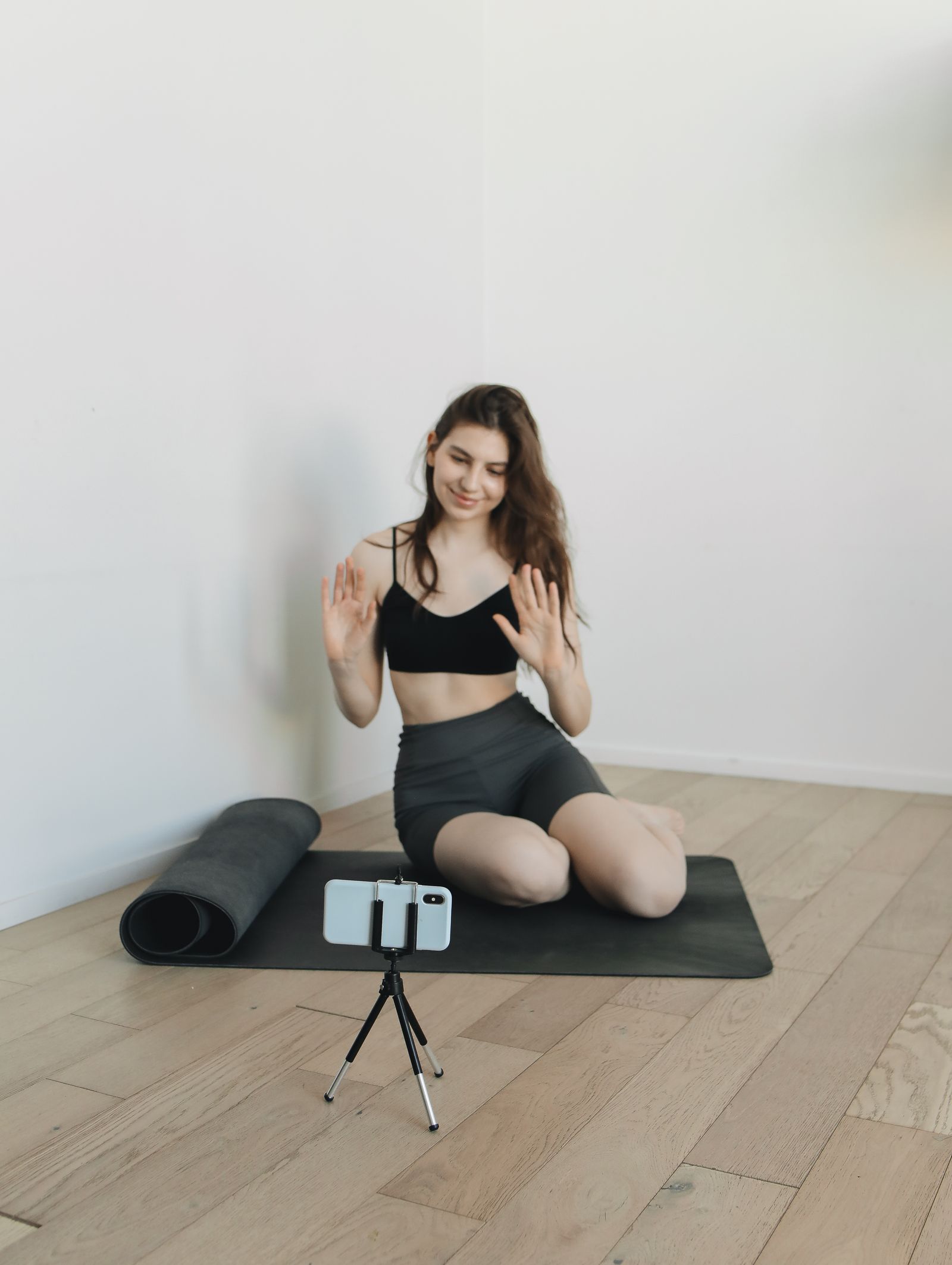
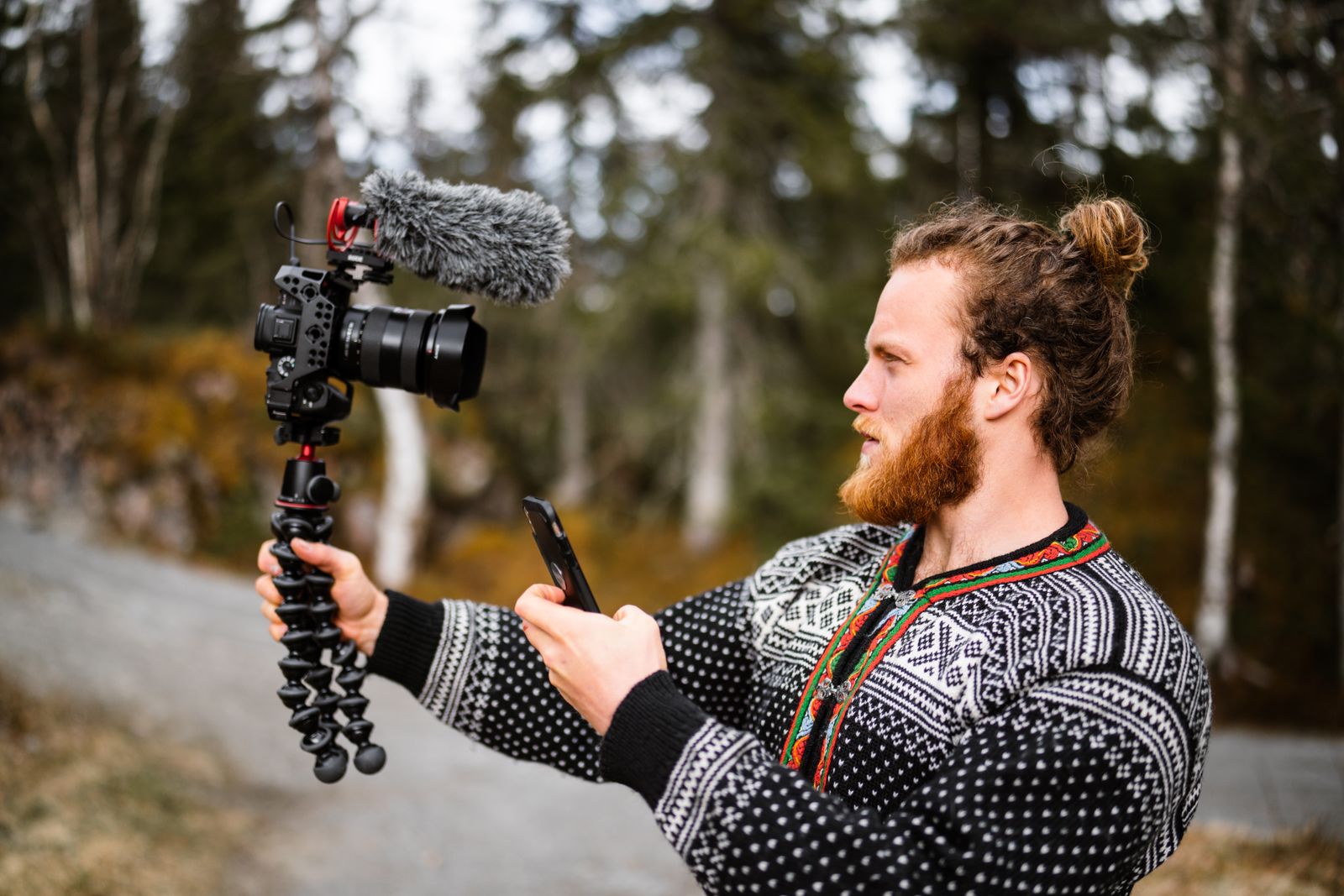
Illustrative images from Pexels.
Each example uses a different scene. These reframes show the visual direction of the page.
 9:16 · BEAUTYFace-to-camera tutorial
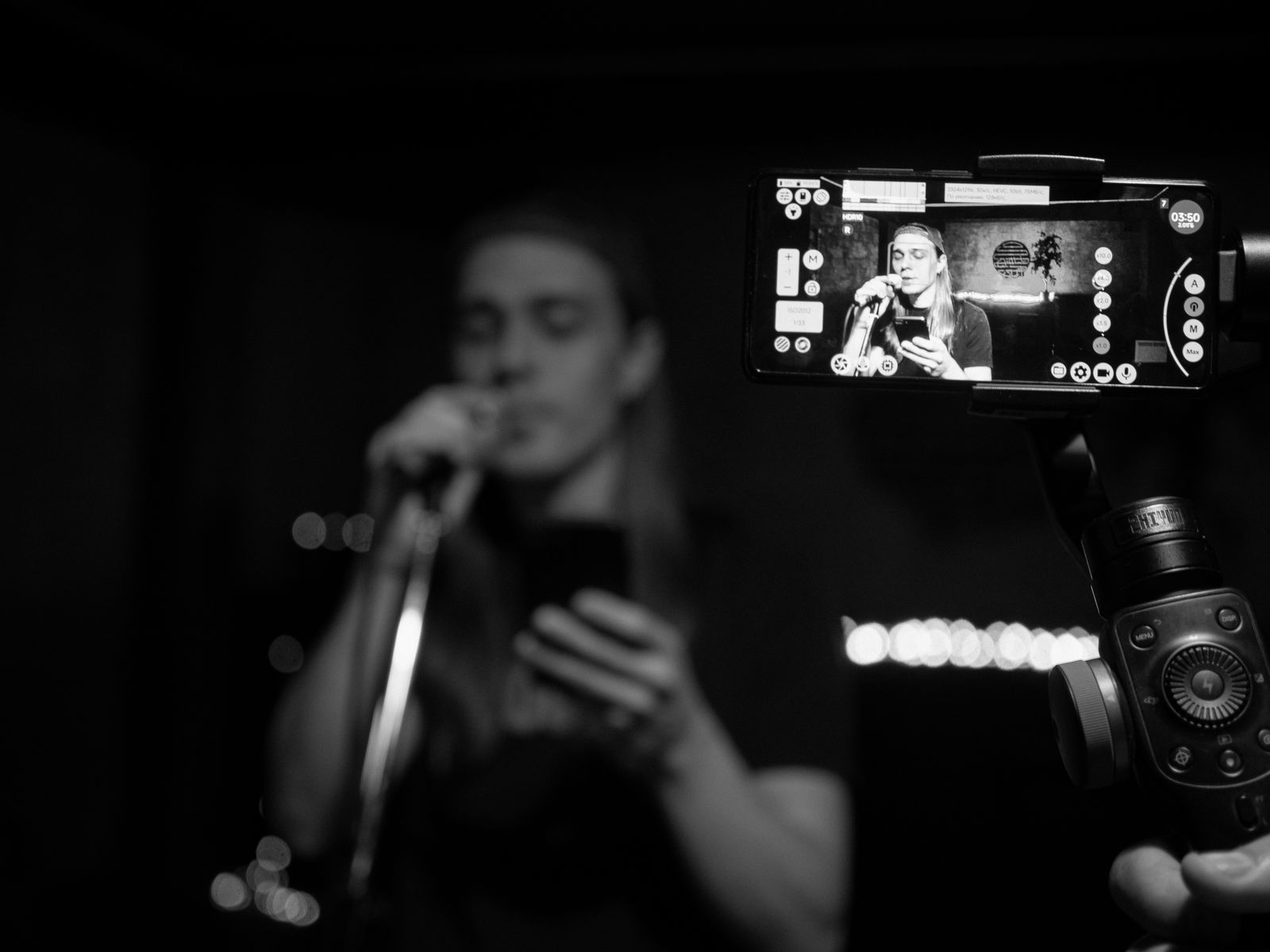 9:16 · MUSICLive performance
 9:16 · SPORTFull-frame action
Framing mockups made with Pexels images. They illustrate the layout and are not measured Katto exports.
Try it with my video ↗The point of this page: show a full source, the clips you get, and the adjustments actually needed.
The useful difference here: export quality, watermark and reframe. The full pricing detail stays on the pricing page.
Check whether the proposed moments and the editor fit your need before subscribing.
Free covers 2 videos a month, up to 90 minutes each.
Start freeProduce more clips with the output and reframe options of the paid plan.
€11.90/month billed annually (or €14.90 monthly), 25 videos up to 90 minutes each.
It depends on the source and the moments kept. The three examples shown here are a choice for the page, not a yield guarantee. Katto scales the number of clips with the length of the video.
This page does not promise a delay. On one measured run, about 5 minutes of worker time produced 8 clips from a 20-minute video. Queue and download time vary with the source, so treat it as a data point, not a guarantee.
Automatic selection does not guarantee a moment is self-contained, or that every caption and crop is right. The editor lets you check and adjust the clips before export.
Paste a YouTube link, or a link from Twitch, Vimeo, Rumble or Zoom, or upload a file directly. Videos up to 90 minutes are supported.
Paste a link and get vertical clips you can watch, adjust and export.