Find what's worth clipping, then clip it
Katto's YouTube tools answer one question before you clip: which video, and which moment? Trends show what is taking off in a country and category, sorted by how far each video beats its channel's average. A video analysis gives you views per hour, tags and a metadata checklist. A keyword check estimates demand and competition from the videos that rank on it. Every result has a Clip button, and the Chrome extension lets you clip a precise moment straight from YouTube.
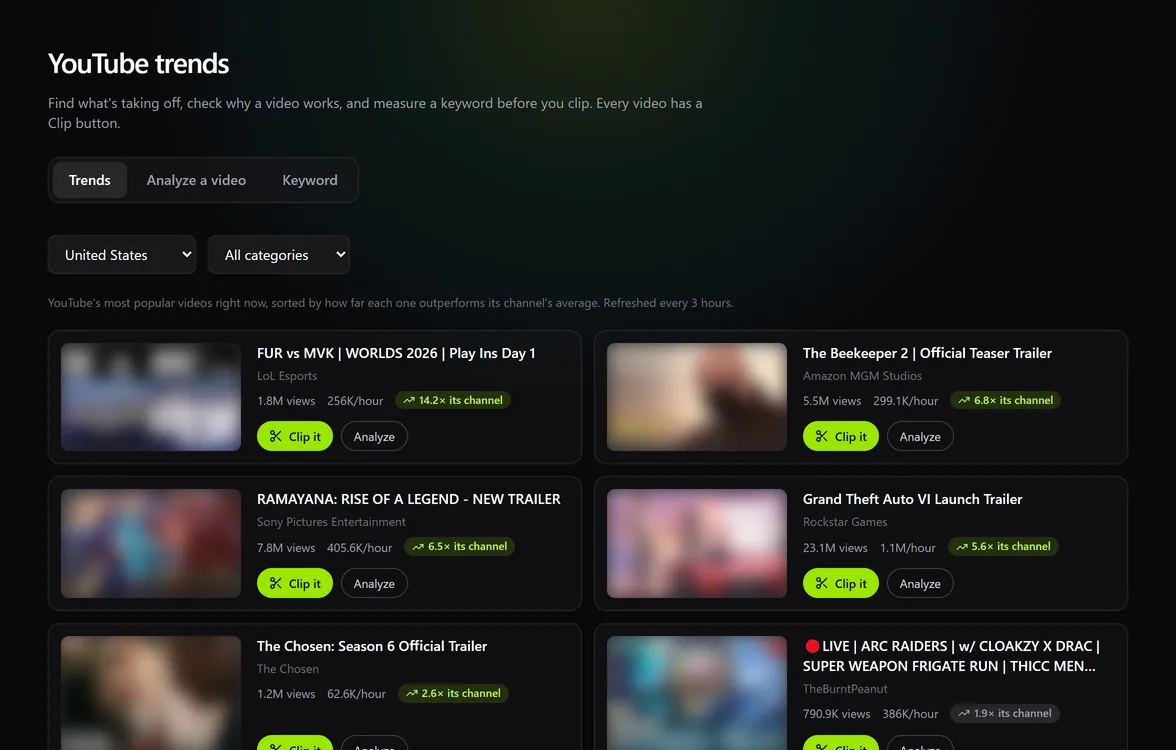
Trends, sorted by what actually stands out
The list comes from YouTube's own most-popular chart for the country and category you pick (20 countries, 10 categories), refreshed every 3 hours. Instead of sorting by raw views, Katto sorts by outperformance: a video's views divided by the average views per video of its channel. A 14× video is doing far better than its channel usually does, which is exactly the kind of video worth clipping while it is hot.
The outperformance figure uses the channel's lifetime average, so treat it as a strong signal rather than an exact measure.
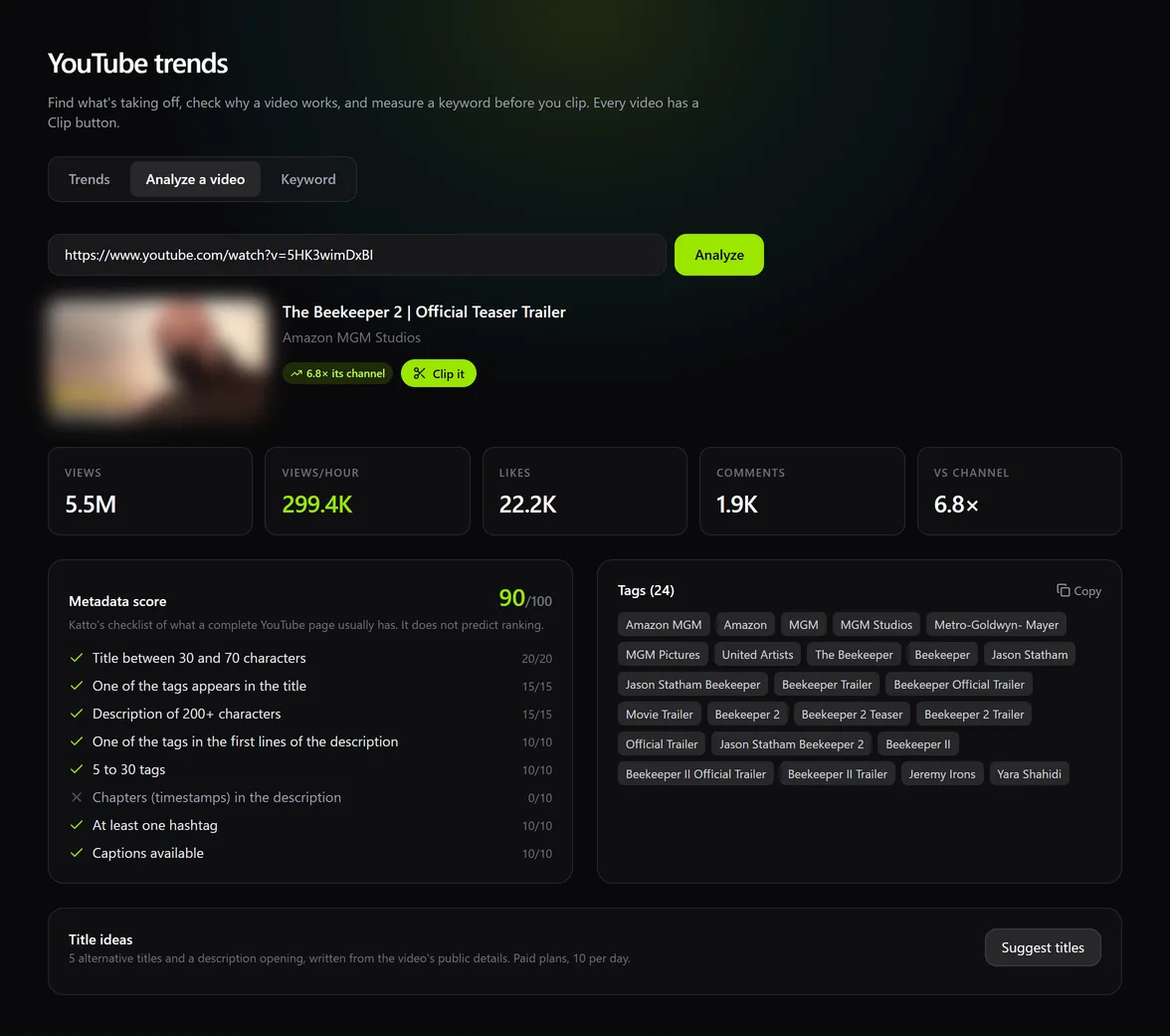
Analyze any video
Paste a YouTube link to see its views, views per hour since publication, likes, comments and how it compares with its channel. Its public tags are listed and can be copied in one click.
The metadata score is a checklist of what a complete YouTube page usually has: title length, a tag in the title and in the first lines of the description, number of tags, chapters, hashtags, captions. Each check shows its points. It tells you what is missing; it does not predict ranking, and the page says so.
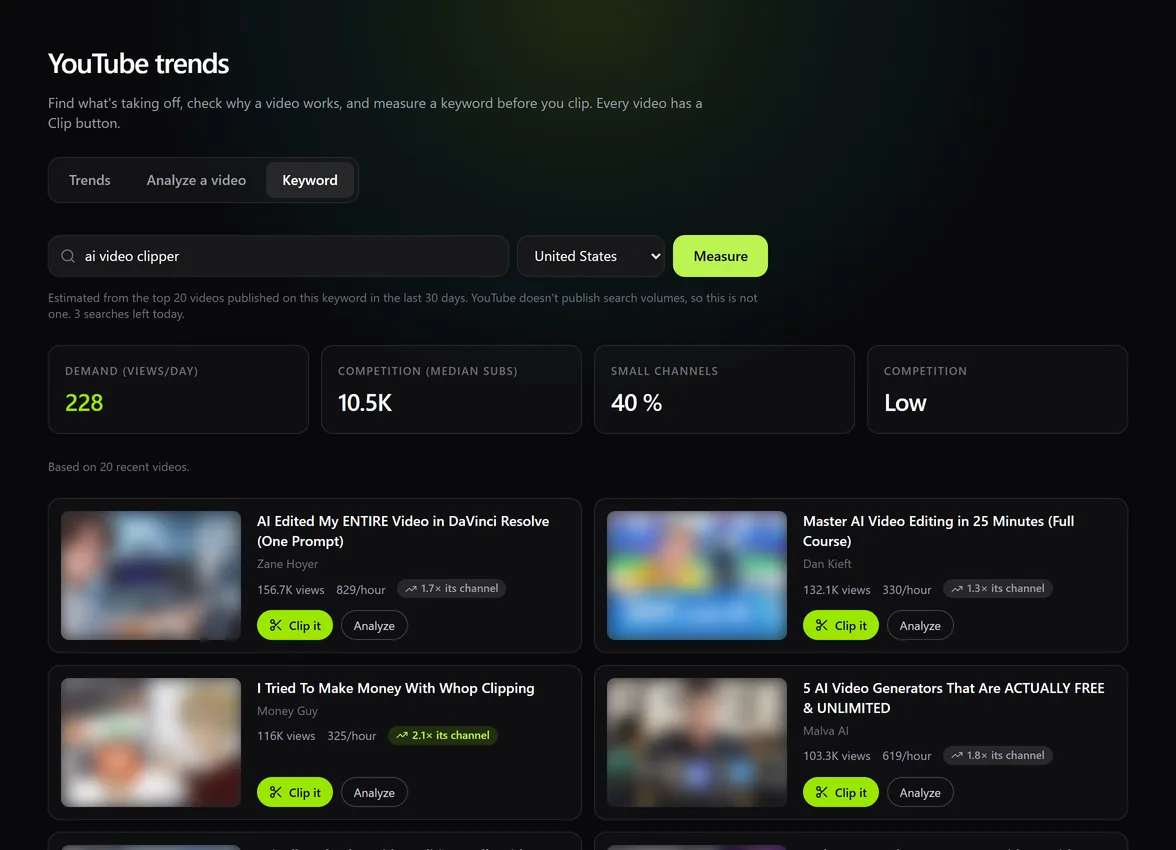
Check a keyword before you publish
YouTube does not publish search volumes, so Katto does not invent one. Instead it looks at the 20 most relevant videos published on the keyword in the last 30 days, in the country you choose, and gives you three readings: demand (median views per day of those videos), competition (median subscribers of their channels) and the share of small channels under 10,000 subscribers. If small channels rank, there is room for you.
Each check runs a YouTube search, which is expensive in API quota, so the number of new checks per day is limited: 2 on the free plan, 5 on paid plans. A keyword someone checked in the last 24 hours comes from the cache and does not count.
Also included
Five alternative titles and a description opening, written from the video's public details. Paid plans, 10 per day.
Every trend, analysis and keyword result opens Katto's create screen with the video ready.
Mark a start and an end (5 seconds to 3 minutes) and Katto renders exactly that passage as one vertical clip, captioned and reframed. It counts as one video of your plan.
Adds a Clip with Katto button and a Clip a moment bar under YouTube videos and Twitch VODs. It uses one permission (activeTab) and collects no data. It is in review on the Chrome Web Store.
Questions
No. YouTube does not publish search volumes. Demand is the median views per day of the recent videos that rank on the keyword, which tells you whether people watch that topic, not how many search for it.
A video's views divided by its channel's average views per video over the channel's lifetime. Above 2×, the video is clearly beating its channel.
Trends and video analysis are available on every plan, including the free one. Keyword checks are limited to 2 new ones a day on the free plan and 5 on paid plans. Title ideas are included in paid plans.
From the official YouTube Data API: the most-popular chart, video and channel statistics, and search. Nothing is scraped.
Find your next clip
Create a free account, open Trends, and clip the video that is taking off.